A layout editor helps you make one readable card; a data-driven tool helps you update a hundred related cards. Software for designing card games can also include a virtual tabletop, where the question changes from “Does this card look right?” to “Does the deck play well?”
The best choice depends on the next problem you need to solve. Compare how each tool handles layout, card data, output, and testing before committing your whole project to it.
Layout editors: control one card
A general graphics editor such as Inkscape is useful when you are exploring a visual identity. Place a title, cost, illustration, and rules text on a sample card; duplicate the design and adjust it until the information is easy to scan. A visual editor makes spacing and hierarchy tangible without requiring you to build a data pipeline first.
The tradeoff appears when many cards share the same structure. If you edit each copy separately, a global change to a text box or icon can become repetitive and errors can creep in. For a small early prototype, that manual work may be perfectly reasonable. For a large deck that changes every week, look for a way to separate the card data from the layout.
When evaluating card game design software, test the longest card text as well as the shortest. A beautiful template that only works with two lines of rules is a poor fit for a deck where some cards need six. Check readable type size and space around the edges on a physical print, not just a zoomed-in screen.
Data-driven tools: update a whole deck
nanDECK offers a different approach. Its documented workflow links a spreadsheet to a script that places fields and images on cards. One row can represent a card; columns can hold its name, cost, effect, and image reference. Change the data, rebuild the cards, and inspect the output. The initial setup takes more thought, but repeated changes can become much easier to manage.
A data-driven card game design software workflow is especially useful when the rules team revises values across many cards. Keep a stable card ID alongside the display name, and record the number of copies needed. Before a test, check that every row has the right image and that long effects still fit the layout. A consistent template cannot correct incorrect data by itself.
This approach has a learning curve. Ask whether someone on the team can maintain the layout instructions, how assets are referenced, and which outputs your next stage needs. A small trial with five varied cards will reveal more than a long feature list.
Simulators: test the decisions
Tabletop Simulator serves a different job: testing a deck in a virtual space. Its custom-deck workflow uses a sheet of card faces and a card-back image. Players can then handle the imported deck at a table. It is not a substitute for deciding the rules or making the card art.
A 2020 guide to importing a custom deck describes matching the sheet’s dimensions and sharing the image files so other players can see them. That handoff is part of the work. Before inviting a full group, import a tiny deck, verify the front and back, and have another player check that the assets load.
Good card game design software should fit the test you are planning. A tabletop simulator helps a distributed group observe sequencing and choices; printed slips may be quicker for an in-person session where the text changes between rounds. Neither method guarantees balanced cards. Record what players actually do and what confuses them.
From card data to a testable deck
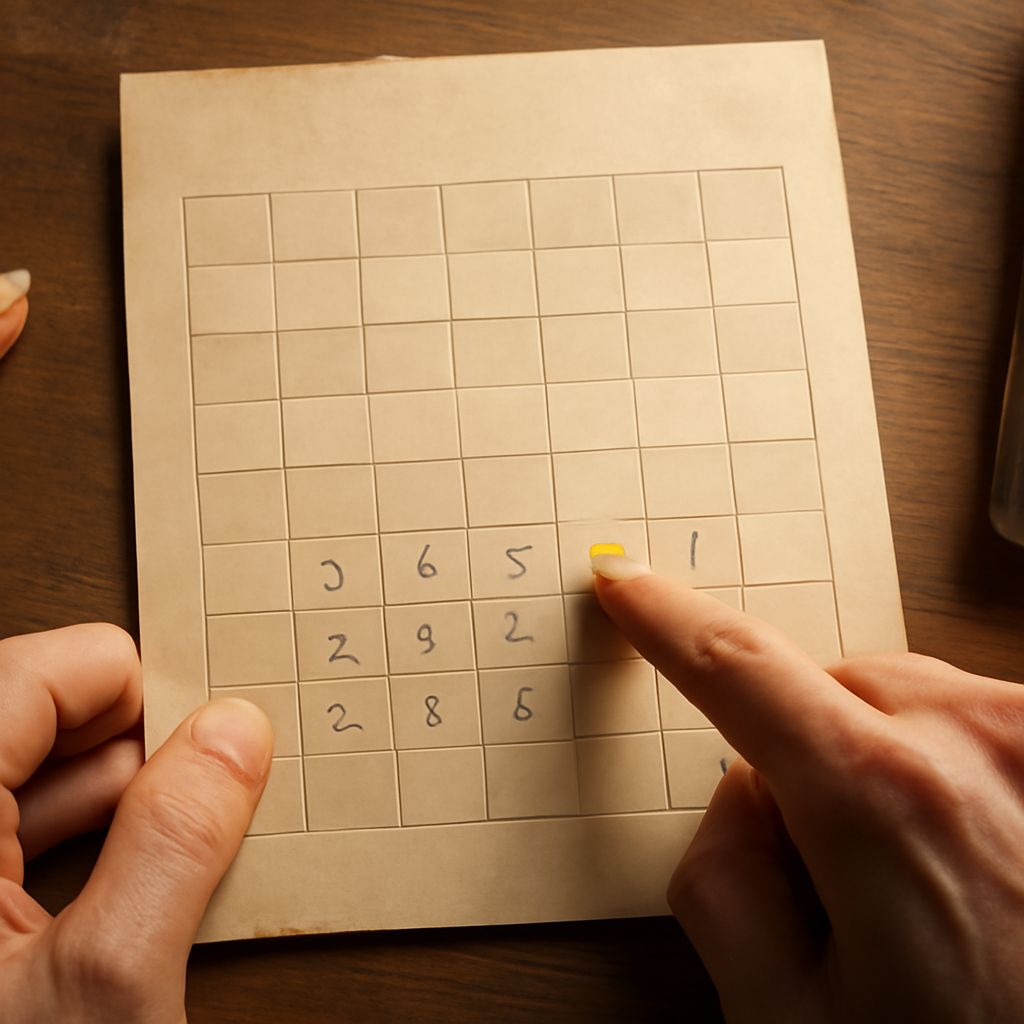
Start with a small table containing IDs, names, costs, effects, and quantities. Make one layout with enough room for the longest effect, then generate or manually create a few representative cards. Review the results for missing text, inconsistent symbols, and incorrect quantities.
Export the format your test needs: a printable sheet for the table, or card images arranged for a simulator’s deck import. Play a short session, record the version used, and change the source data before generating the next deck. Keeping the data and exported files labeled makes it easier to tell which card text produced which result.
Choose card game design software by stage: use a visual editor to discover the layout, a data-driven tool when repeated edits become costly, and a simulator when remote players need a shared test. Start with the smallest combination that answers your next design question.